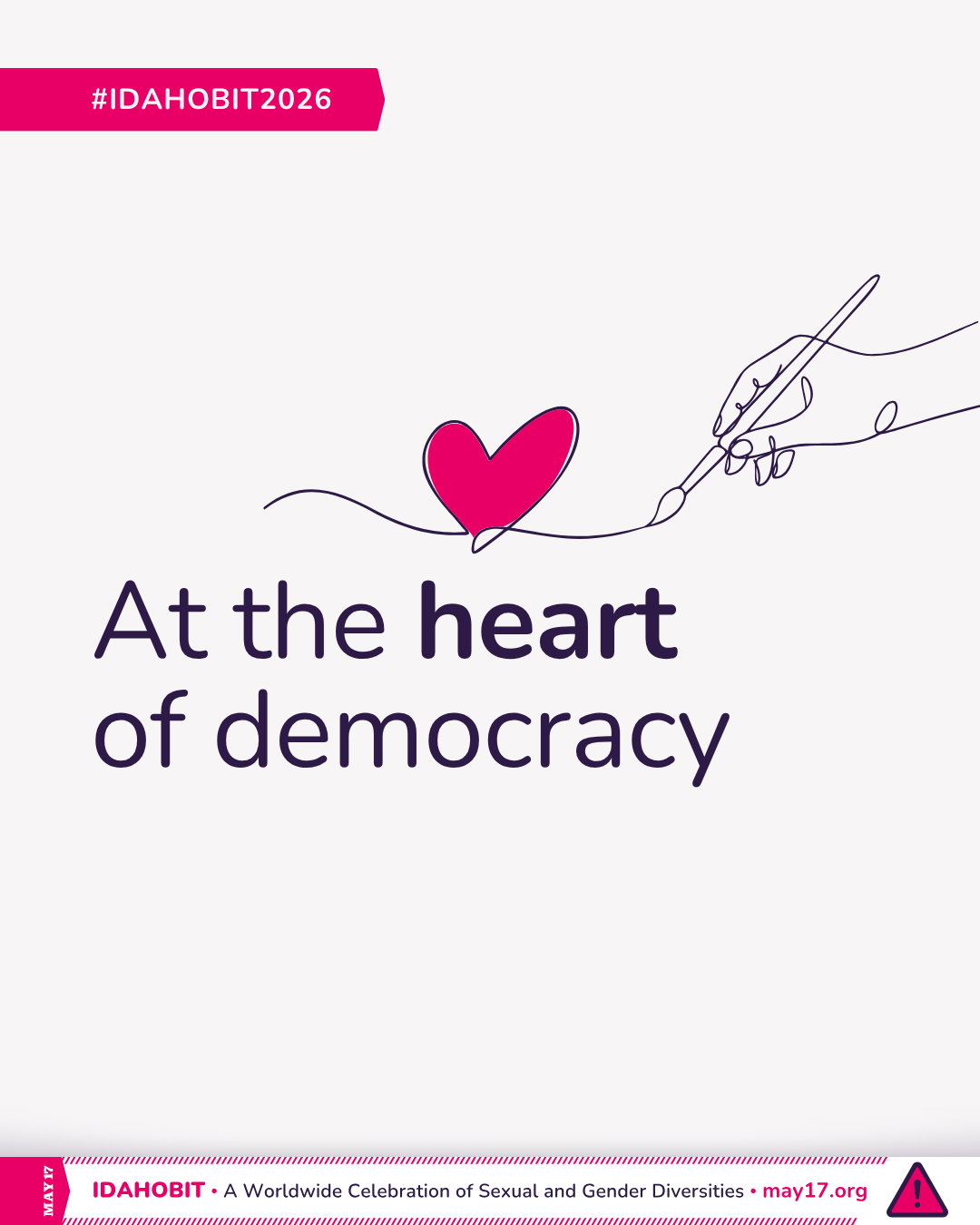
The IDAHOBIT 2026 theme will be announced soon.

We will also create a series of visual resources to help you bring this theme to life across the world.
Every organiser, and especially grassroots groups with limited design capacity or funding, are invited to use them to promote their own event.

Feel free to:

  • Use the official IDAHOBIT logo in your own graphics and materials;
  • Share the official illustration (available soon!)

Illustration

The central illustration for IDAHOBIT 2026 will be available soon, with creative direction shaped by feedback from LGBTQIA+ communities around the world!

You will be able to use the official illustration for free in your:

  • social media posts
  • event invitations and posters
  • reports, presentations, and newsletters
  • digital and printed banners
  • any other non-commercial use in line with IDAHOBIT’s values

Canva templates

Once the official illustration is available, here you will also find a set of editable Canva templates based on it.
These templates are designed to make it easier for organisers to promote their events while keeping a consistent visual identity with the global mobilisation.

With each template, you can:

  • edit your own event title, subtitle, date, time, and location
  • add your logo(s)
  • export your version and share it across platforms

This way, you can highlight your local events and activities while staying connected to the shared energy of IDAHOBIT.

Need help using the templates? Check out our step-by-step guide with tips and recommendations.

How to use the Canva templates for IDAHOBIT 2026

Simplified logo for light background

COMING SOON: The IDAHOBIT Advisory Group will prepare a series of free Canva templates for you!

With these templates, IDAHOBIT event organisers will be able to create cohesive and accessible visuals for their events. These templates will be aligned with this year’s visual identity and include editable fields for your event’s title, subtitle, date, time, location or link, and organiser logo(s).

Each template will be easy to use—even if you have no design experience. You’ll only need a free Canva account to get started.

To ensure your design is effective and accessible, we recommend:

Keep titles and subtitles short and impactful
A short, memorable title will be more visually effective. If you need to share more information, you can include it in the caption of your post.

Include your time zone
Especially for online actions, adding the time zone helps participants know when and where to join.

Use logos with adequate spacing
Rectangles of 150 × 90 pixels were added to guide logo placement. If dragging and dropping your logo directly into the rectangle doesn’t replace it or doesn’t fit well:

  • Upload your logo (hopefully with transparent background) and arrange it manually
  • Remember to leave clear space around each logo to avoid visual clutter
  • Delete all rectangles that were not replaced by a logo before exporting the image

Keep elements spaced out
Don’t overcrowd the design. Adequate spacing helps with readability and improves overall accessibility.

  • Title: Nunito Black
  • Subtitle: Nunito Bold
  • WHEN and WHERE labels: Nunito Medium
  • Date, time, location or link: Nunito Bold
  • Text alignment: All content is left-aligned to improve readability and accessibility
  • Logo placeholder: Sized at 150 × 90 px. Included to guide logo placement and should be deleted before exporting.

Open the template
Click the Canva link provided. You’ll need to sign in with a free Canva account.

Make a copy
Click “Use template for new design” to open your own editable version.

Edit your content
Replace the sample text with your event details:

  • Title
  • Subtitle (optional – you can delete the text if not needed)
  • When: date, time, and time zone
  • Where: location (address) or a platform link
  • Logo(s): upload the logo, resize it, and align it, using the placeholder (rectangle) to guide you. Delete the placeholder afterwards.

Adjust if needed
You may need to use more lines of text, but try to preserve alignment and balance. Delete any unused text or elements before exporting.

Export your design
Click “Share” > “Download”
Choose PNG or JPG

Privacy Preference Center