
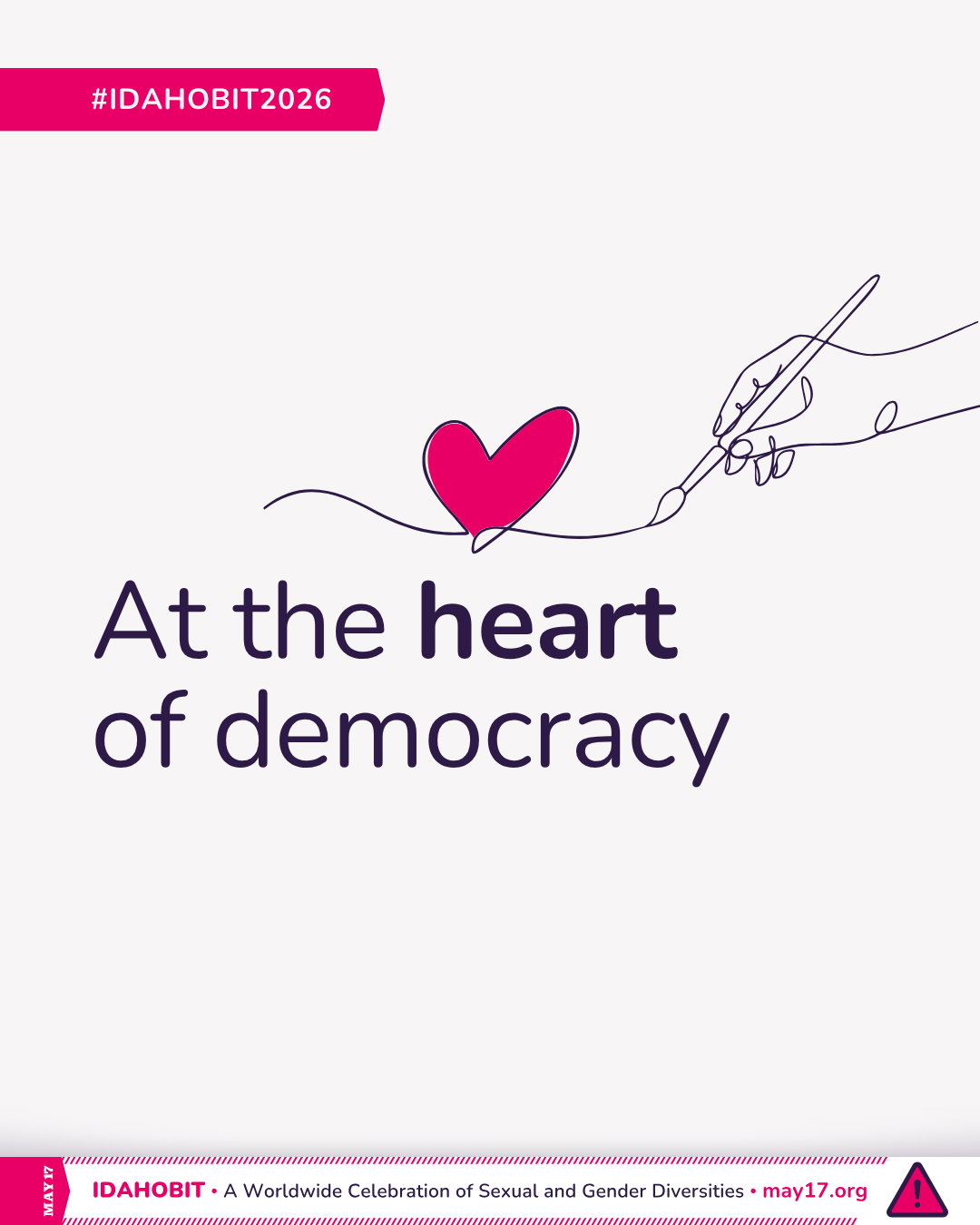
The IDAHOBIT 2026 theme is “At the heart of democracy.”
We created a few resources to help you bring this theme to life across the world. All IDAHOBIT 2026 visuals are free – you do not need permission to use them.

NOTE
The IDAHOBIT Advisory Group and ILGA World assume no responsibility for the use of these materials and do not endorse the content or organisation of events using them.
Illustration
This year’s illustration was developed with creative direction shaped by feedback from LGBTQIA+ communities around the world.
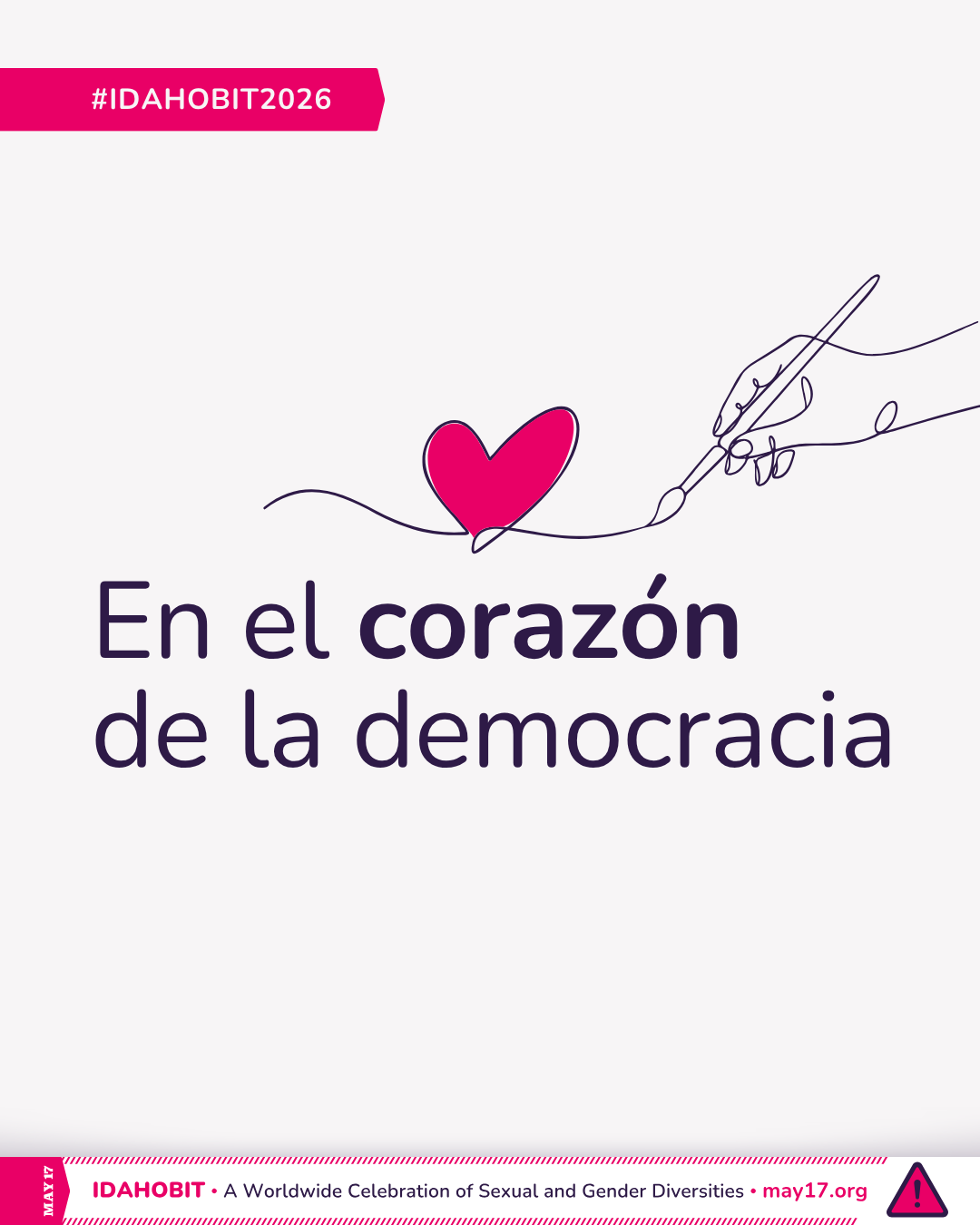
The IDAHOBIT 2026 illustration is currently available in 40 languages.
Is your language missing? Let us know how you would translate the theme.
How to use the visual
- Social media posts
- Event invitations and posters
- Reports, presentations, and newsletters
- Digital and printed banners
- Any other non-commercial use in line with IDAHOBIT's values
Image description
Line art of a hand holding a brush and drawing a heart. At the centre, the text reads "At the heart of democracy." A pink banner underneath includes "IDAHOBIT – A Worldwide Celebration of Sexual and Gender Diversities – may17.org" and the IDAHOBIT logomark, a pink triangle with an exclamation mark.
Canva
An editable Canva template based on the official illustration is available to help you promote the day. It requires only a free Canva account.
With the template, you can:
- Add your logo or logos.
- Drag and drop a photo inside the heart (optional).
- Export for social media or print.
Tips for a clearer design
Keep the text short. Share more information in the caption of your post.
Use logos with clear spacing. Upload logos with transparent backgrounds if possible, and leave space around each one to avoid visual clutter.
Do not overcrowd the design. Spacing improves readability and accessibility.